Net Neutrality Monitor analyses how Internet Service Providers resolve, block and inject DNS traffic. The platform tracks servers under examination, surfaces country-level reports, and publishes a live blacklist of injected addresses.
View Country ReportsWhat the platform does
Net Neutrality Monitor provides real-time analysis of the censorship systems used by Internet Service Providers. It tracks DNS servers currently under examination, lists known DNS servers that respond correctly to specific tests, and produces country reports on the types of blocking detected — from gambling and file-sharing to streaming and image hosting.
- DNS probes
- Country reports
- Injected addresses
- ISP scoring

Coverage across the monitored regions
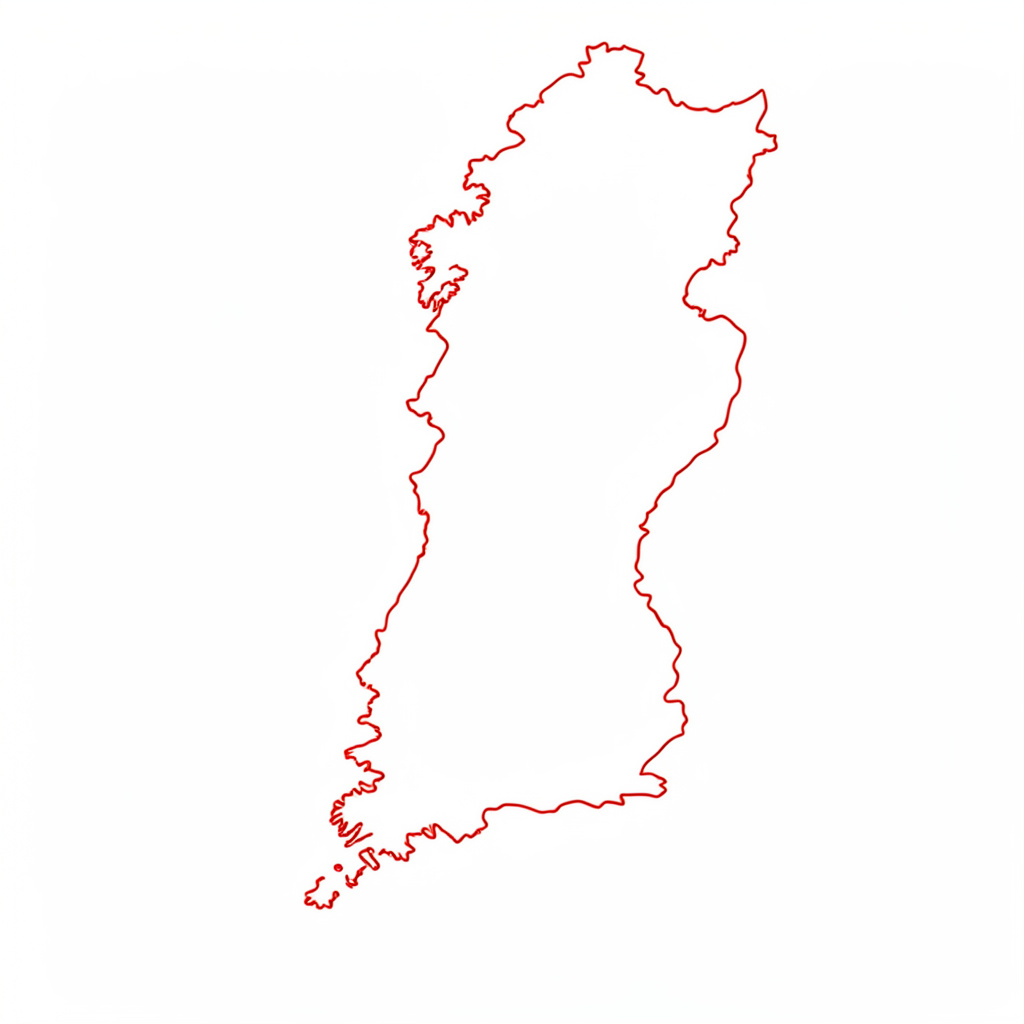
Country reports are available for China, Colombia, Denmark, Estonia, Finland, Italy, Korea Republic of, Sweden, Switzerland, Thailand, Turkey and additional regions as new probes are activated.
- 11+Countries with published reports
- LiveDNS server list under examination
- CC BY 2.5 IT / BY-SA 3.0Content licensing applied
- OpenDonations and probe submissions
When a Submitted URL Is Blocked Across Multiple Countries
A URL marked as blocked in several countries deserves a careful review before you treat the result as proof of a universal takedown. Filtering can happen at the DNS level, through an ISP’s web gateway, inside a national blacklist, or because the destination itself behaves differently for visitors in different regions.
Net Neutrality Monitor provides indicative research data from probes, DNS checks, blacklist records and statistical analysis. Since the project is a beta service supported by volunteers and powered by AirVPN, its results are best used as evidence to investigate rather than as a final legal or technical verdict. A repeatable testing process will help you separate a genuine international block from a temporary error or an unusual hosting configuration.
Start With the Exact Address
Begin by checking the submitted address character by character. A missing slash, an old subdomain, an internationalised domain name, or a redirect to a different hostname can produce a result that appears to concern one website but actually concerns another. Compare the full URL with the address shown in the monitoring record, including the protocol, port and path.
Try the domain’s main page and the specific page separately. A homepage may load while a payment, login or download path is filtered. The reverse can also occur when a website has moved content to a new host but an older URL remains on a blocklist. For example, an Australian visitor researching an online service might find a particular article blocked while the wider domain remains reachable; an Australian withdrawal example illustrates why checking the exact page matters.
Record the response rather than relying on a browser message alone. Note whether you see a DNS failure, connection timeout, HTTP error, block page, certificate warning or redirect. These details reveal which layer may be responsible and make later comparisons much more useful.
Confirm That the Pattern Is Genuine
A multi-country result can reflect a common commercial DNS provider, shared hosting infrastructure or a domain reputation feed used in several jurisdictions. It may also reflect a service that is offline everywhere. Test the address through ordinary connections and compare it with a known working website hosted on the same platform where possible.
Check the date and time of the result. Censorship lists change, DNS caches expire and websites frequently move between content delivery networks. A block recorded several weeks ago may no longer be active, while a fresh result may be caused by a short outage. Screenshots, timestamps and the country or probe location should be saved with your notes.
Look for consistency across records. If blacklist data, DNS probes and country tests all point in the same direction, confidence increases. If only one probe reports a problem, treat it as a lead for further checking rather than a settled finding.
Read Country Results as Evidence
“Blocked” does not always mean a government has ordered a full website ban. An ISP may refuse to resolve a domain, a network may block an IP address shared by many sites, or a security vendor may classify the page as malware, fraud or unwanted content. Those mechanisms can look similar from a user’s browser.
The countries shown in a report also need context. Several markets may use the same upstream resolver or threat-intelligence service, creating similar outcomes without a coordinated national policy. Conversely, different errors in several locations can indicate that the site’s infrastructure is unstable or misconfigured.
Review related domains, IP addresses and redirects. If a domain points to an IP used by hundreds of unrelated websites, an IP-level block may produce collateral damage. If the site redirects visitors based on country, the blocked result may apply to only one regional endpoint. This distinction matters when reporting censorship or contacting a hosting provider.
Test From Australian Networks
Australian results should be checked across more than one access provider. A test on a Telstra, Optus or Vodafone mobile connection may differ from a home connection using NBN infrastructure, even when both are in the same suburb. Carrier-grade DNS, parental controls and security filtering can create different outcomes.
Run a comparison from a home broadband service, a mobile hotspot and, where practical, a separate network such as a public library or workplace connection. Regional users in Queensland, Western Australia or the Northern Territory may also encounter different routing and resolver behaviour from someone in Melbourne or Sydney. Avoid treating one local connection as representative of the whole country.
Keep the test ethical and limited to diagnosis. Do not repeatedly request a site that appears malicious, and do not enter credentials or payment details merely to see whether a page loads. If the website involves regulated goods, gambling or financial services, Australian rules and provider policies may affect access independently of technical filtering.
Examine DNS and Filtering Layers
DNS is often the first place to investigate because a resolver can return an incorrect address, refuse the lookup or redirect the request to a notice page. Compare the response from the default resolver supplied by the ISP with a reputable independent resolver, while remembering that changing resolvers does not remove legal restrictions or make a risky website safe.
The DNS over HTTPS guide explains why encrypted DNS can change what an observer sees during a lookup. It can help identify whether plain DNS manipulation is involved, but it is not a universal solution: the IP address may still be blocked, the HTTP request may be filtered, or the site may deny access based on geography.
Record the DNS answer, resolver name, returned address and time of testing. Then compare that information with the monitor’s DNS and probe data. A mismatch may show that your local resolver has cached an old record, while matching results across independent resolvers suggest a broader filtering or infrastructure issue.
Compare the Main Signals
Use the evidence in a structured way rather than giving every error equal weight. The comparison below can help you decide what the result most likely represents.
| Signal | What it may indicate | Useful follow-up |
|---|---|---|
| DNS refusal or altered answer | Resolver-level filtering, poisoning or policy blocking | Compare several resolvers and note exact responses |
| Timeout to a known IP | Routing failure, IP block or unavailable server | Check hosting status and test other addresses |
| National block page | ISP or government filtering mechanism | Save the page, country, provider and timestamp |
| HTTP 403 or regional redirect | Website policy, geoblocking or security rules | Inspect redirects and compare locations |
| One isolated failed probe | Temporary outage or measurement error | Repeat later and compare neighbouring probes |
| Several independent failures | Broader block or serious infrastructure problem | Correlate DNS, blacklist and probe records |
Do not infer intent from a technical symptom alone. A 403 response generated by the website is different from a block notice delivered by an ISP, even though both prevent access. Similarly, a shared IP block may affect unrelated Australian businesses hosted on the same server.
The strongest report combines several independent observations: the exact URL, country and network, timestamp, response type, DNS answer, redirect chain and any visible notice. This gives the monitoring project useful material for review and helps prevent an ordinary outage from being recorded as censorship.
Prepare a Clear Follow-Up
When the result remains suspicious, organise your evidence before submitting an update. Include the original URL, the version that was tested, the country or Australian state, access provider, connection type and the precise error. Mention whether the issue affected the domain, a single path, an IP address or a redirected destination.
Useful supporting material includes:
- A timestamped screenshot of the block or error page
- DNS responses from the default and comparison resolvers
- Results from at least two Australian connection types
- The final hostname and IP address after redirects
The monitoring service also allows users to submit a site for review. Use that route when a URL is absent, has changed, or needs a fresh check. Keep the description factual and avoid assuming that a particular government, ISP or company caused the block unless the evidence directly supports that claim.
For a clean case file, separate observed facts from interpretation:
- Observed: the NBN connection returned a resolver error at a stated time
- Observed: a mobile connection reached a different redirect
- Interpretation: filtering may occur at the ISP or DNS layer
- Unresolved: whether the destination itself blocks Australian visitors
A practical takeaway is to verify the exact address, repeat the test across independent networks and resolvers, then submit dated technical evidence rather than relying on a single “blocked” label.
Transparent, analytical, community-run
The platform documents how ISPs handle neutrality on the wire, with method notes, country breakdowns and a public blacklist of injected addresses. — Project methodology

Country reports at a glance
Snapshots from the published country reports. Open a tile to view the full regional analysis on the Reports page.